
Overview
- You can assign users different member types
- Add them to Discussions
- You can make certain items available to only certain groups
- Make certain courses only available for members or non-members
If you want to know about Understanding the Users section, please click the link!
What is Covered
- Member Types List Page Overview
- Creating a New Member Type
Member Types List Page
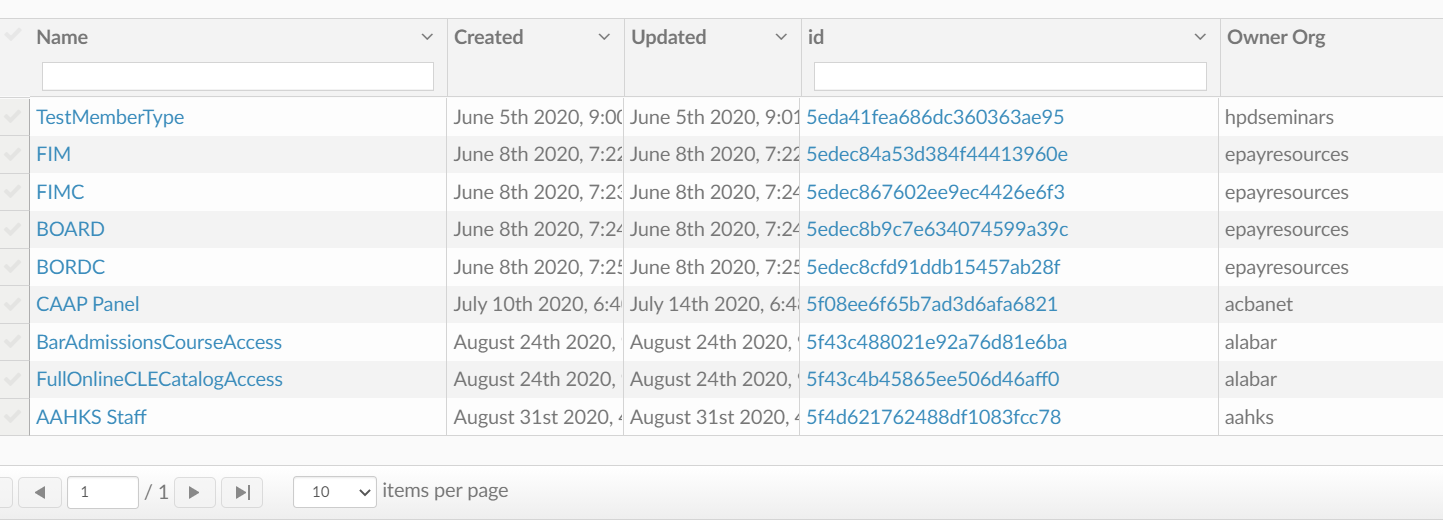
On this page, you can add member types.
It may seem similar to Roles but roles define how a user acts within your site. I.E. they teacher, they learn, they are an admin that creates things. The Member type is useful if you have content that you want available only to those who are a part of your organization.
You can make it so that specific catalogs and courses can only be bought by Users part of specific organizations.
Create a new Member Type
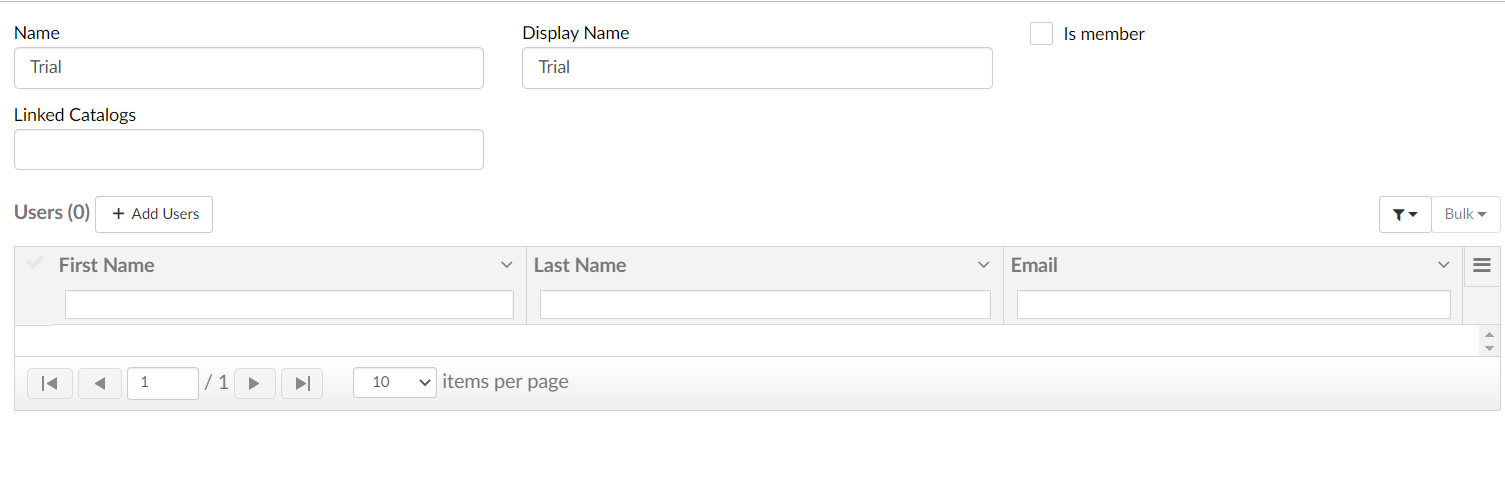
To add a new Member type enter a Name and a Display name. If this member type is a member of your organization go ahead and select the "Is Member" box.
Below you can link the catalog that has the courses you want available to the Member Type you created.
You can also link certain users to the member type that you created. Just select the +Add Users button. As you add them the Users will populate below.
Have Fun Creating!