
Overview
- Learn how Learning communities work for non-admin
- This page gives you a preview of what Discussions boards look like
- They are a simple and easy way to enhance user learning
- Teachers can respond to user's questions
- Students can ask a question so everyone can see and read the responses
If you want to know about Creating User Groups or Creating Discussion Groups, please click the links!
What is covered
- Learn the layout for End Users in Discussion groups
Discussion Groups for End Users
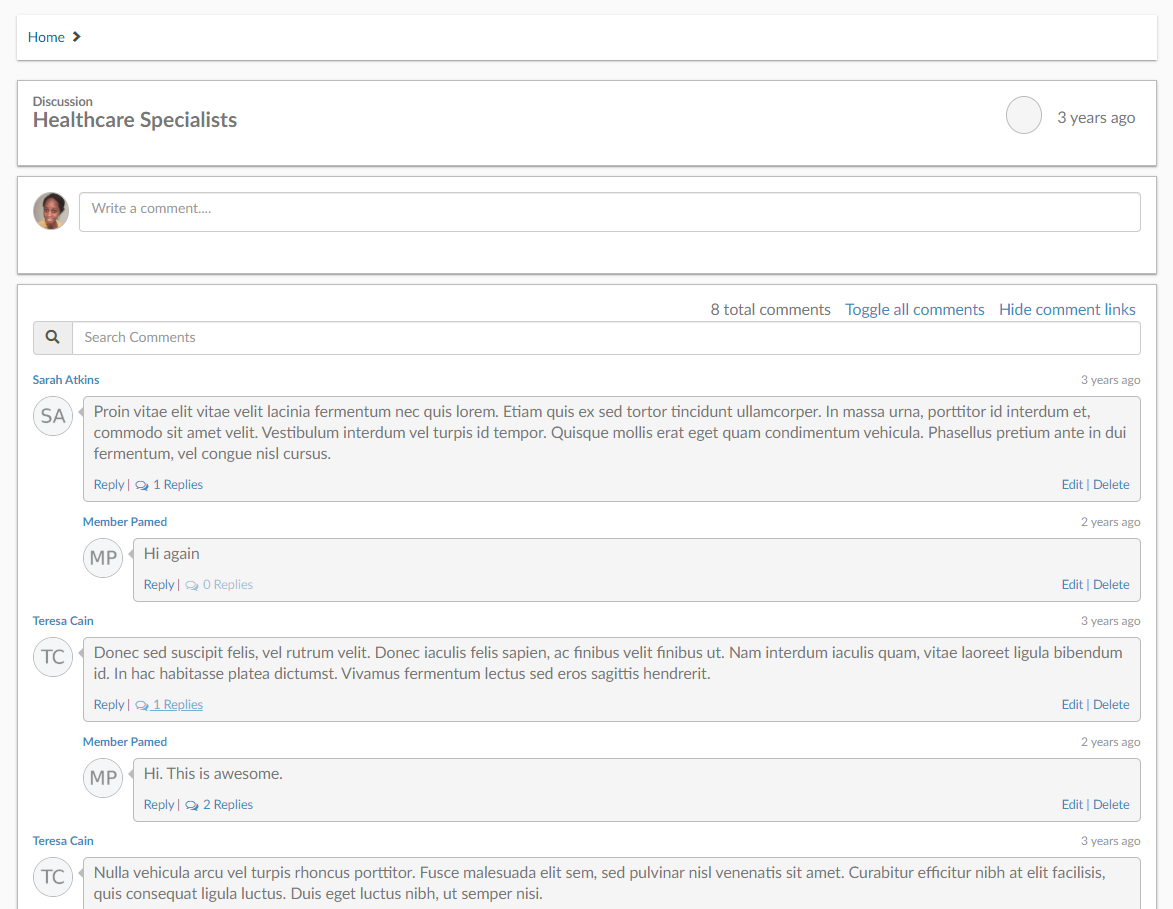
Above is the view for End Users. As you see, you can search comments, toggle certain comments, and even hide replies.
Above the Search Bar, is where comments can be added by any user that is part of the discussion.
At the top of the page, you can see the Discussion name.
Make the most out of your website and be sure to use your learning communities!