
Overview
- Use the Upload box to import your files, media, and more
- This box is like the import box in setting but the import box is only for excel files
- The upload box is simple and easy to use.
- All you have to do is drag and drop you saved items and the upload in seconds
If you want to know about Creating a File set, All about the Files Page or Activity Creation, please click the links!
What is covered
- How to upload any file
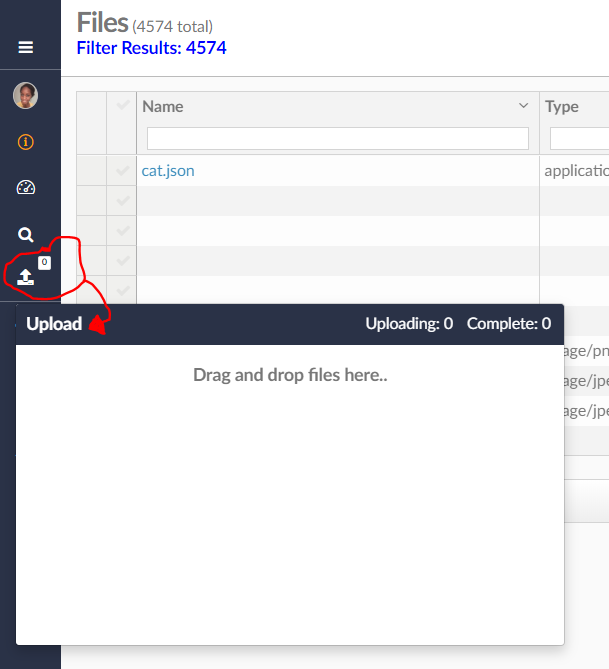
To upload any file, you open the file box (circled in red).
Drag and drop your file into the upload box
It will show up in the file page (Under the Media & Files section)
You can also click on it from in the upload box when it has finished uploading and it will take you to the file.
Have fun uploading!